The best screen recorder for Chrome.
A lightweight Chrome extension that turns raw screen recordings into polished product videos. Auto-zoom, spotlight, captions, and a clean toolbar — all without leaving your browser.
Pro-level features. Zero effort.
A suite of intelligent tools that do the heavy lifting so you don't have to.
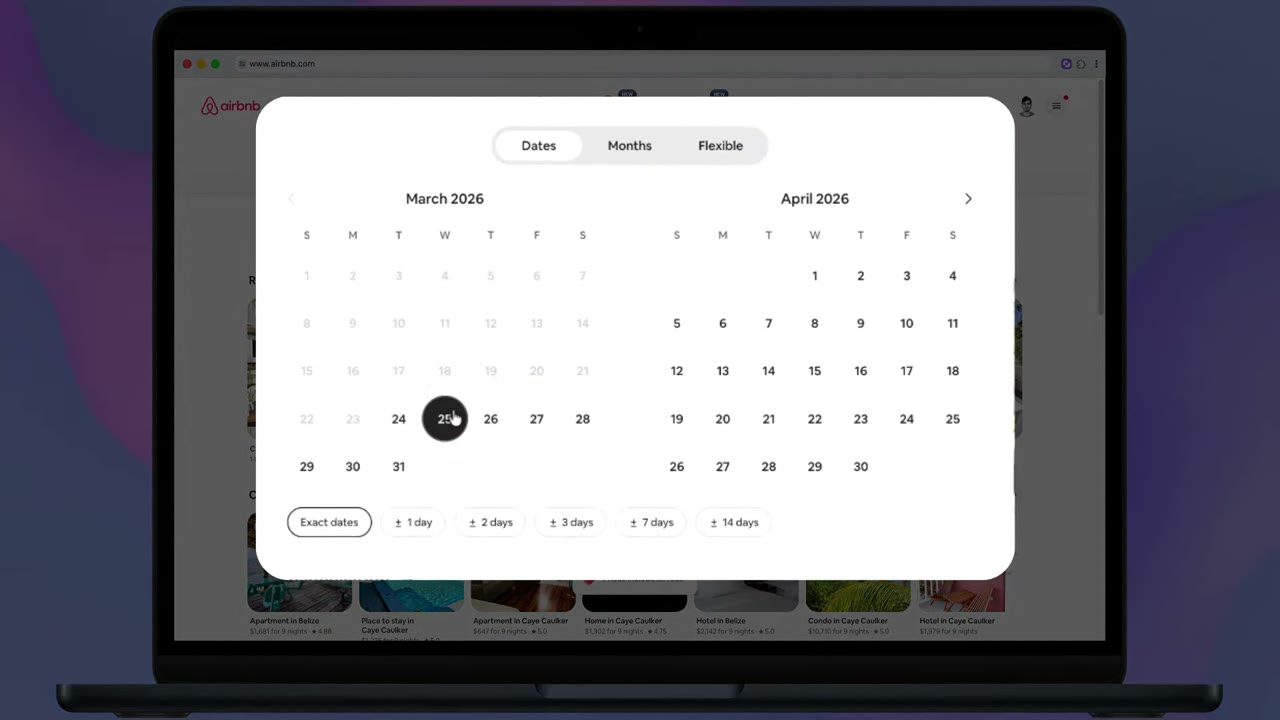
Zooms to exactly what matters
Recordio doesn't just follow the cursor, it understands the layout of all elements you are interacting with, so no input box or form is clipped out. A zoom that gets it right every single time.
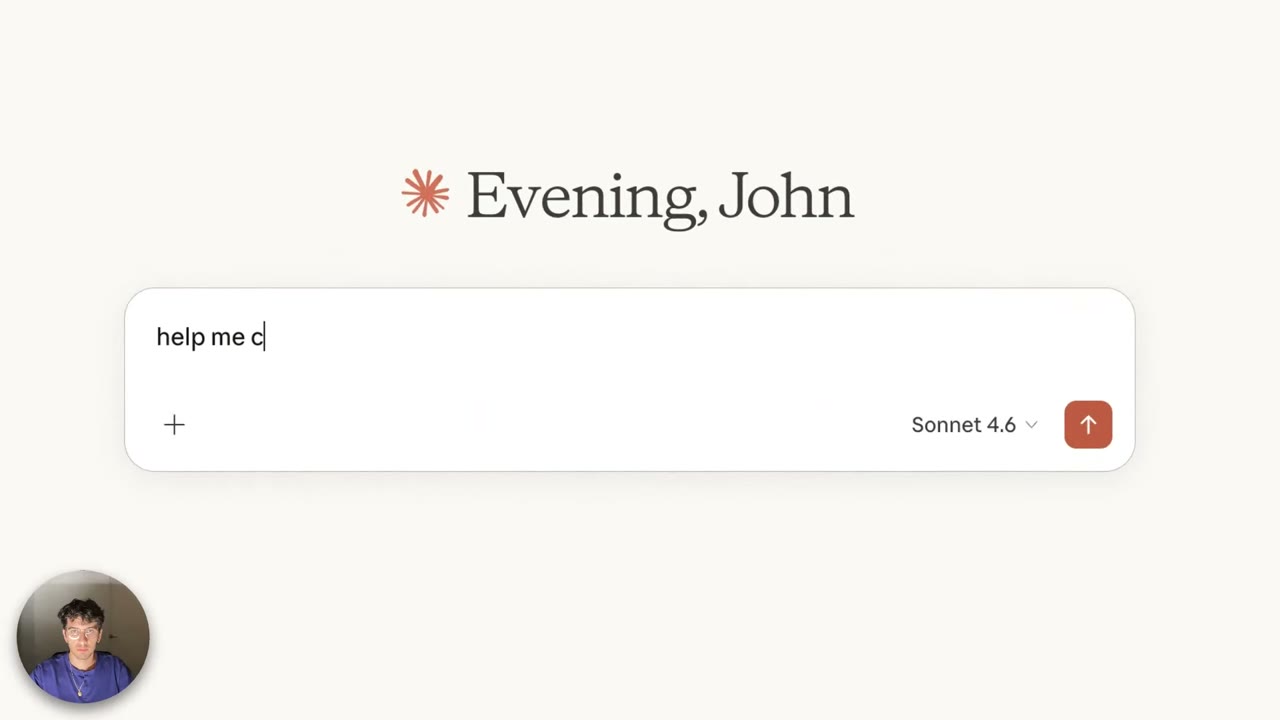
Elevate important elements
The background dims and the element you interact with pops forward with a subtle glow. It makes the page comes alive.
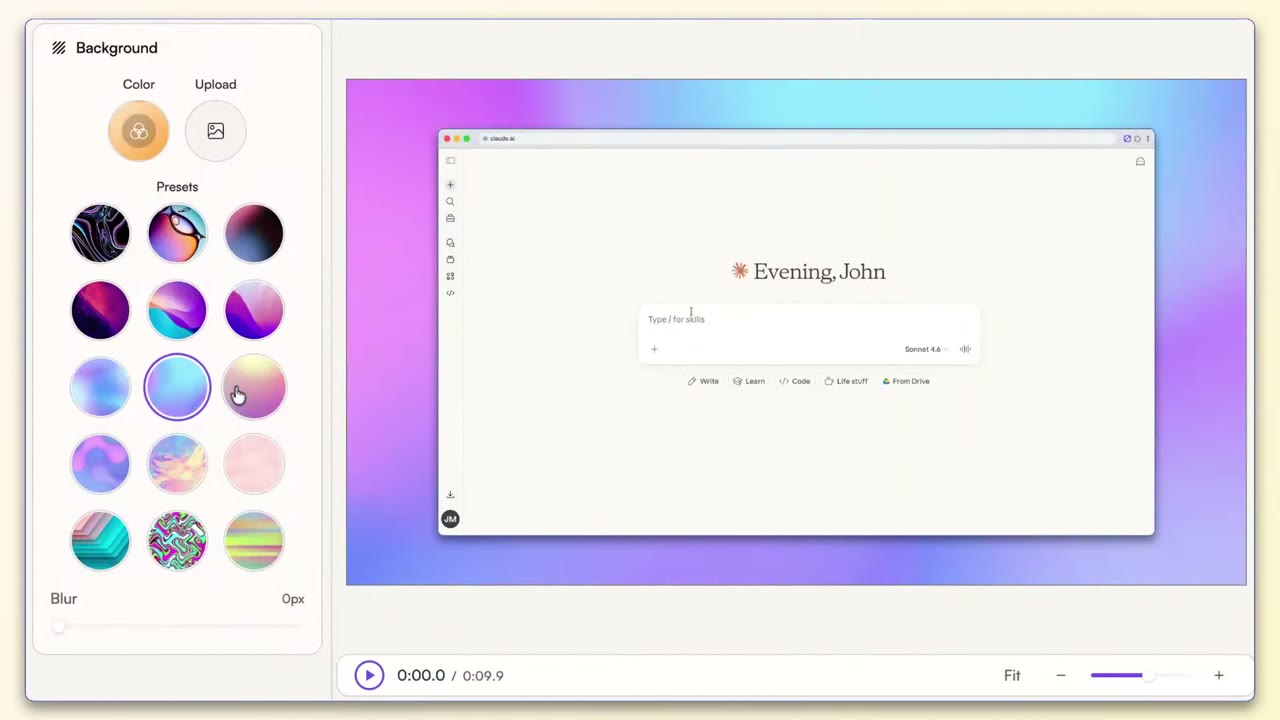
Beautiful, dynamic canvas
Add depth and polish with vibrant backgrounds. Pick from a curated library, build your own using color gradients, or upload your own brand-matched image.
AI-generated captions
AI generates perfectly-timed captions from your audio that tracks to the word level. Easily edit any mistakes, or cut the video based on the captions.
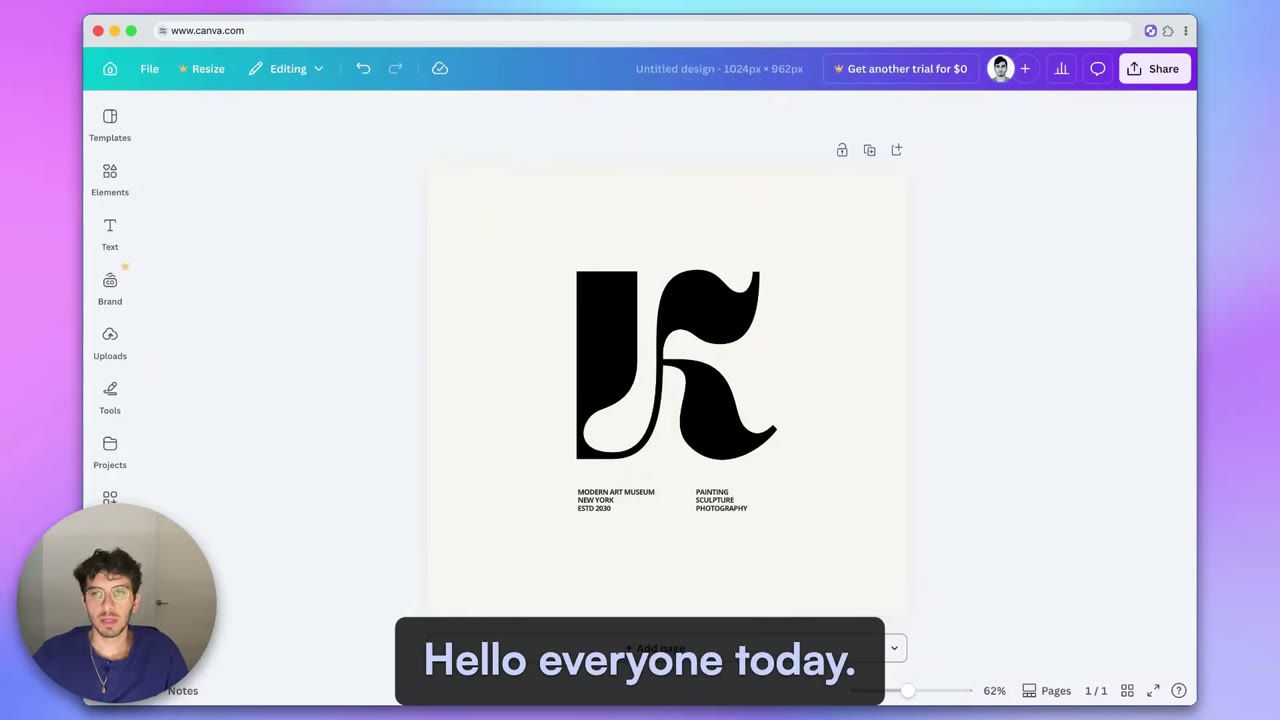
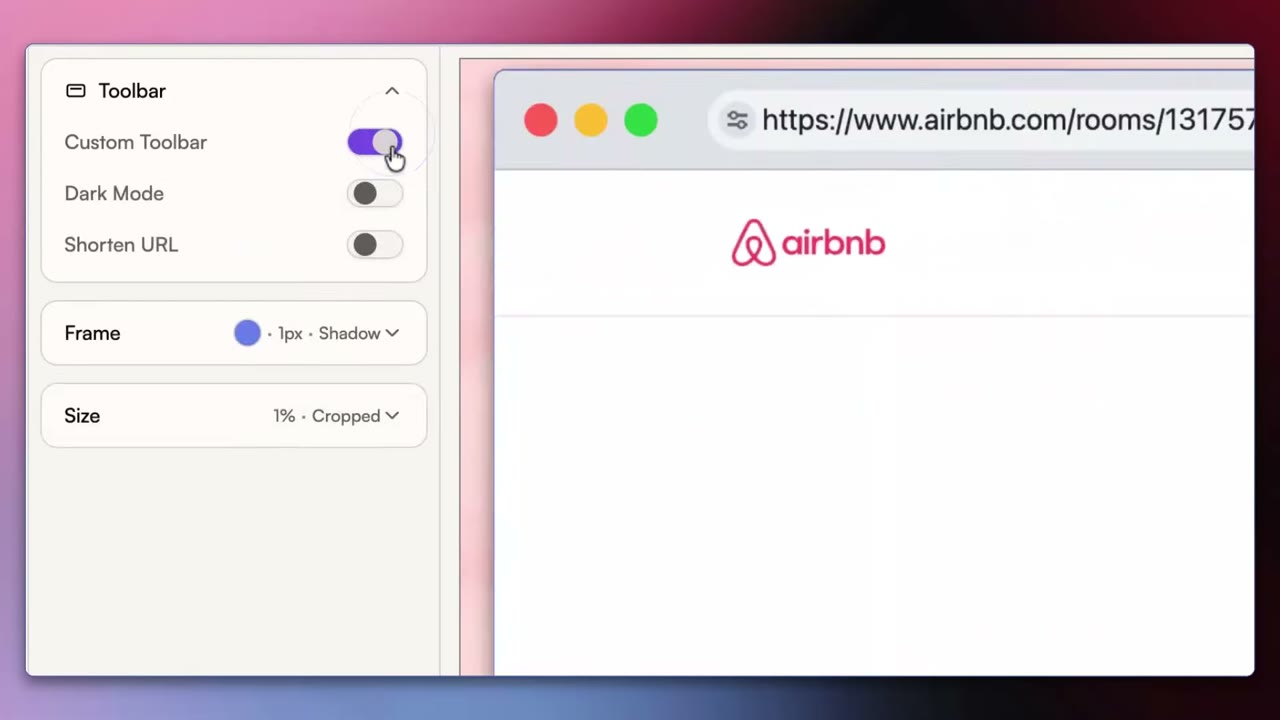
No more messy browser tabs
Your toolbar is replaced with a clean, minimal bar that shows just the page title. No messy bookmark bars, 47 open tabs, or embarrassing URLs.
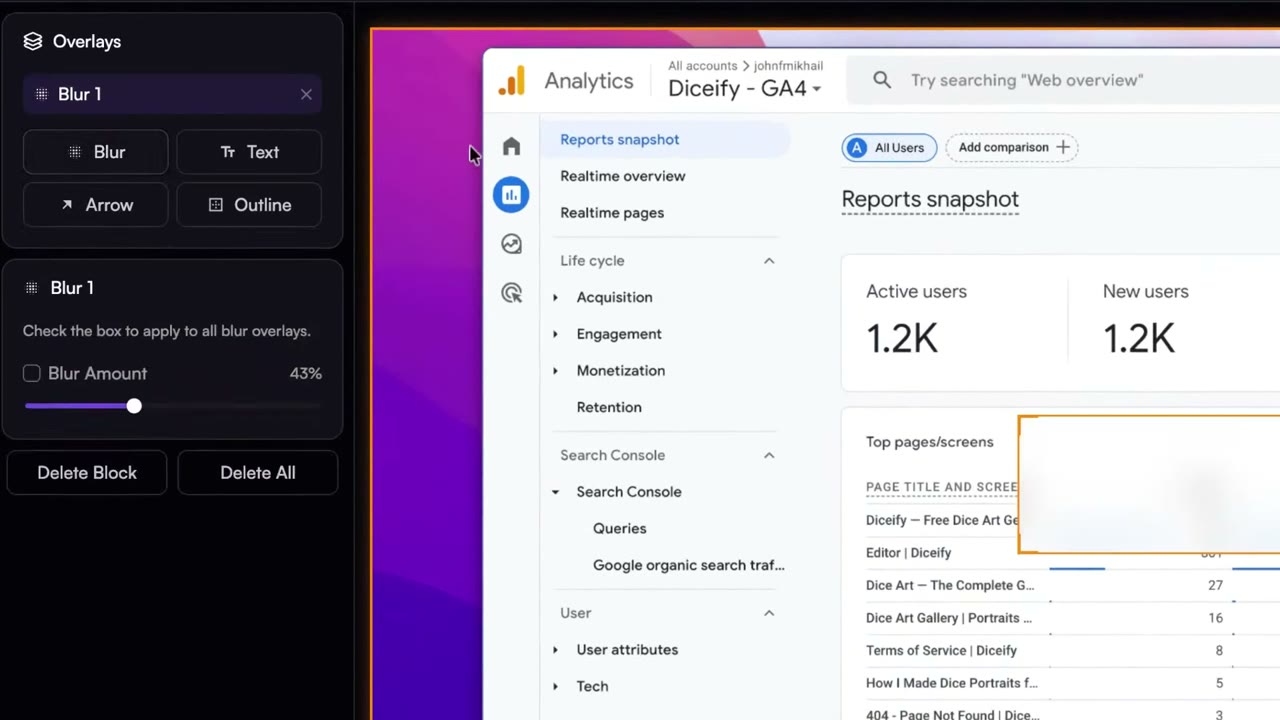
Blur sensitive information
Use overlays to blur out sensitive information, add explanatory text, arrows or overlays to highlight important information.
And so much more...
Trusted by people at
- Apple
- Meta
- Deepline
- Jolt
- Mash
 Chorah Labs
“Mind-blowingly effective and easy to use for anyone who hates Loom's video recording or Screen Studio's editing complexity.”
 Jai ToorFounder, DeeplineDeepline
“The automatic features are so good that almost no editing is needed. I can save my own formatting settings and reuse them across projects, and share a preview link for feedback before exporting.”
 Safa JebriProduct Design, AppleApple
“What an amazing tool for demos! It automatically generates meaningful zooms and edits and gives me the ability to review them in post. Such a time saver!”
 Hussam Abu-LibdehSenior Engineer, GoogleGoogle
“The UI is sleek, modern, and intuitive. I love how many customization options there are, which gives me a lot of flexibility to create recordings exactly the way I want.”
 Tuan T.Senior Engineer, MetaMeta
“Great tool for demos and walkthroughs. Easy to install, looks polished out of the box, and the zoom feature is a nice touch. Keeping recordings on-brand takes no extra effort.”
 Nourhan ShaabanFounder, MashMash
“I've used plenty of screen recorders but this one is way smoother and produces a professional quality video without any headaches. The framing and spotlight features are great for demo and training videos.”
 Antoine RahimiFounder, Chorah LabsChorah Labs
“Couldn't believe how easy it was to make a high-quality product demo with this extension. Loved the zoom and spotlight feature in particular. Highly recommend!”
 Arvin AhmadiFounder, JoltJolt
 Rated 5.0 on the Chrome Web Store
Start free. Upgrade when your team does.
No credit card for the free plan. Cancel Pro any time.
Everything you need to make a great video.
- Auto smart zooms, spotlights & more
- Automatic silence cutting
- 1080p downloads
- Beautiful music & background library
- Up to 5 active projects
per seat / month, billed annually
- Everything in Free
- 4K exports
- Auto-generated captions
- Collaboration and team library
- Unlimited viewer seats
- Shareable links
Yes! Recordio offers a generous free plan that includes auto-zoom, automatic silence cutting, and more — no credit card required. Free users get up to 5 active projects with videos available for 7 days. When you need more, Pro unlocks unlimited recordings, cloud rendering, longer video retention, and premium transcription.
The Free plan gives you up to 5 active projects with all the core smart-editing features. Videos expire after 7 days, transcription uses a lightweight local model, and rendering happens in your browser (the tab needs to stay in focus). Pro removes all those limits — you get unlimited recordings that never expire, cloud rendering so you can close your tab, transcription powered by a top-tier OpenAI model, and the ability to restore deleted videos for up to 30 days.
On the Free plan, your video is rendered right in your browser. It works great, but the tab needs to stay open and in focus while rendering. Pro users get cloud rendering — your video is processed on our servers so you can close the tab and come back when it's ready.
Other screen recorders just blindly follow your mouse, often leading to jittery or incoherent zooms. Recordio actually understands your web app. It detects when you're typing, scrolling, or hovering over a card, and uses advanced algorithms to perfectly frame the important elements. It's also the only recorder that automatically spotlights cards, popovers, and other elements you interact with, giving your videos a polished, studio-quality look.
Right now, Recordio is a Chrome extension (also works on Edge and Brave). Native desktop apps and support for more browsers are on the way.
Related pages
- Screen recorder for MacThe same walkthrough recorder for teammates on macOS.
- Screen recorder for WindowsSet-up notes for Windows laptops and PCs.
- Screen recorder for LinuxUbuntu, Fedora and any distro with a Chromium browser.
- Screen recorder for ChromebookChromeOS, including managed school and work devices.
- Full-page screenshot and annotation toolCapture the visible area, the full page or a region from the same extension.
- Bug report screen recordingReproduce the bug on video, blur customer data, link it in the ticket.
- Recordio vs ScreencastifyThe classroom Chrome recorder, compared on auto zoom and view analytics for teams.
- How to make a product walkthrough videoPlan, record, edit and share a product walkthrough video that people watch to the end.